
How To Add Multiple Projects To A Solution In C# & .NET
[C#, .NET]
The .NET CLI, you might be surprised to learn, is so fully featured and flexible that I find it orders of magnitude faster to use than an IDE for creating, manipulating, and setting up .NET projects and solutions.
Suppose we want to set up a project as follows:
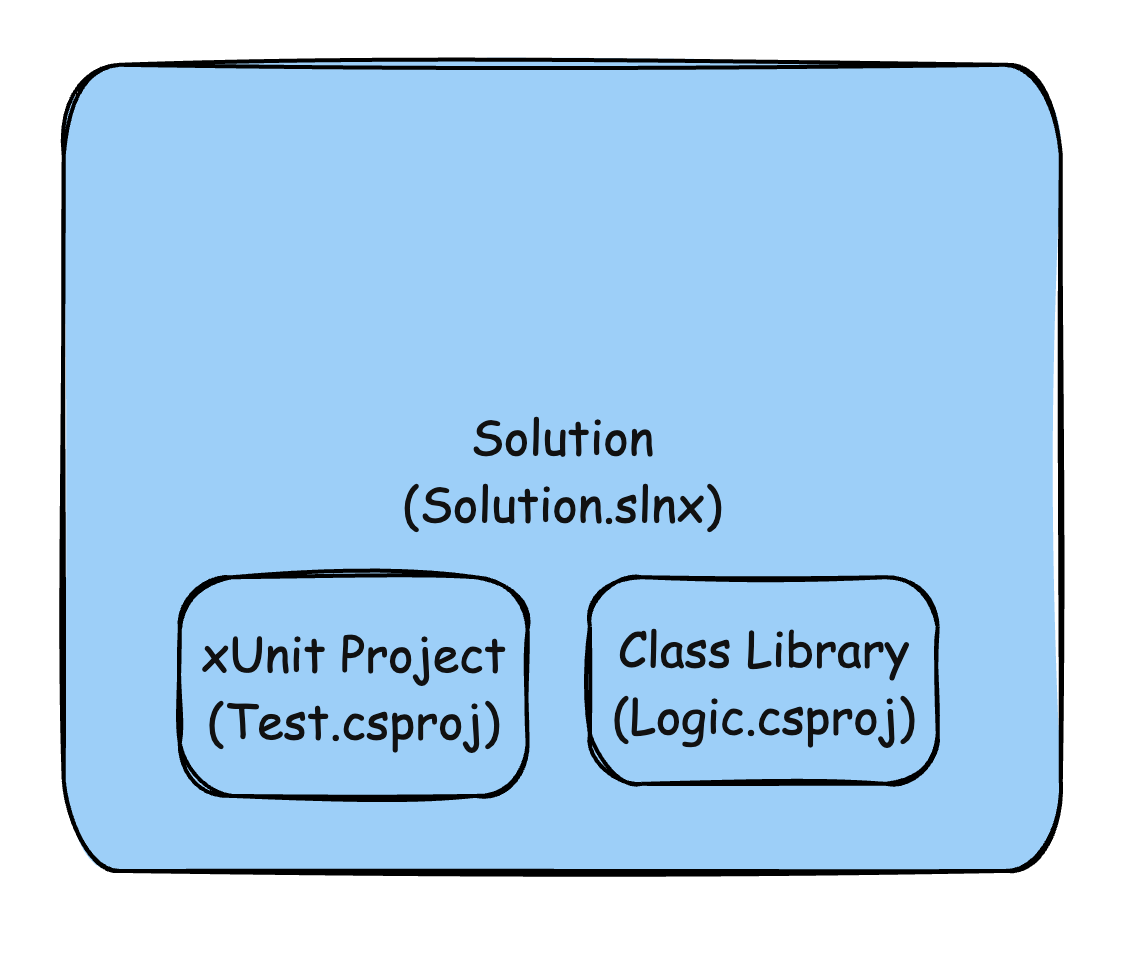
The first order of business is to create a directory to hold the solution and project files.
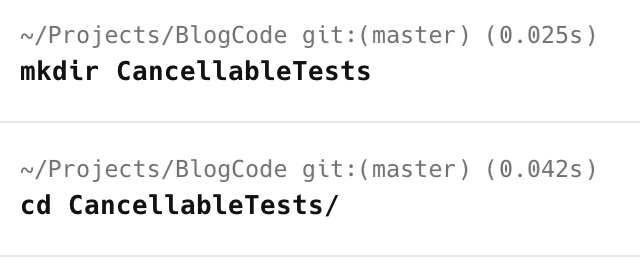
mkdir CancellableTests
This will create an empty directory, which we immediately switch to.
cd CancellableTests
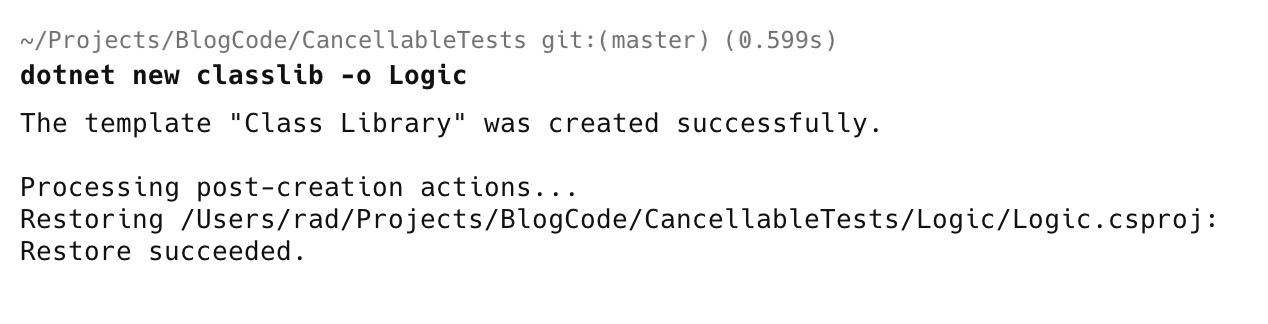
From here, we create a class library project to store our logic.
dotnet new classlib -o Logic
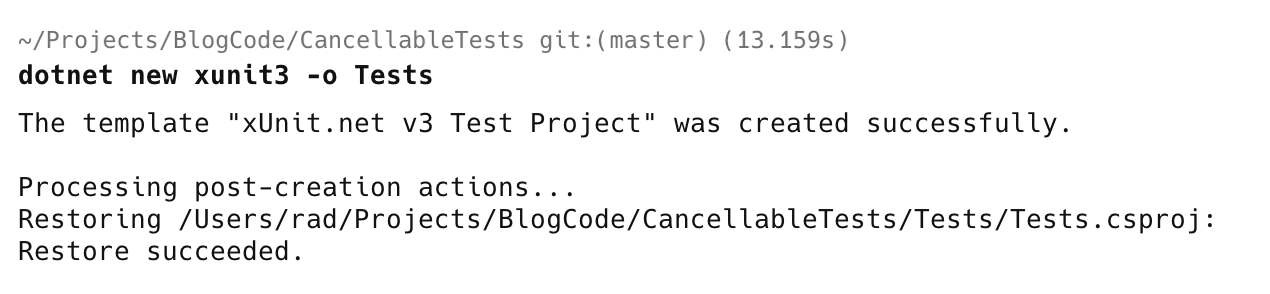
We then want a xUnit3 test project. Note that this is xUnit version 3, which is an overhaul of version 2.
dotnet new xunit3 -o Tests
If you get an error about missing templates, install them as follows:
dotnet new install xunit.v3.templates::3.2.2
Next, we create a blank solution.
dotnet new sln

To reduce noise when it comes to source control, we typically want a .gitignore in the root directory.
dotnet new gitignore

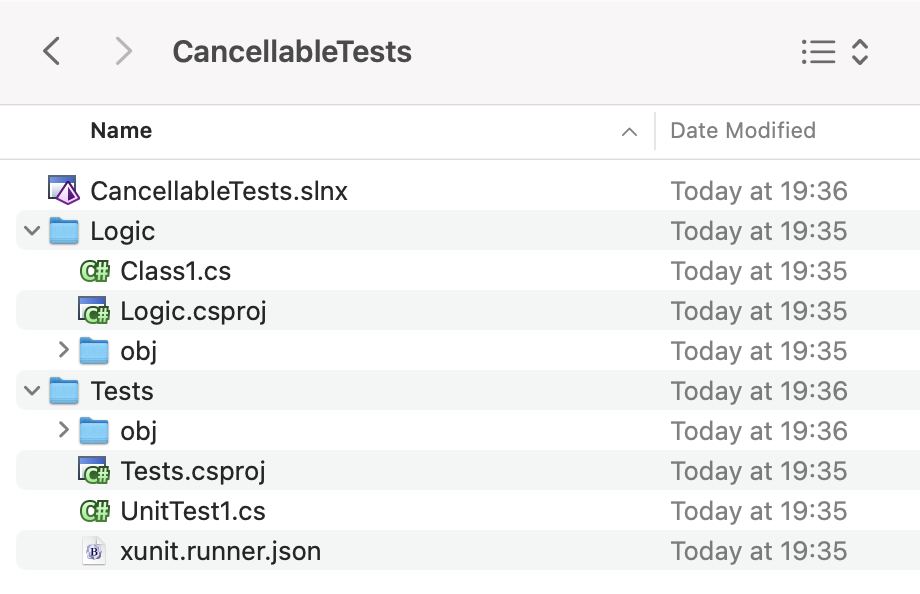
The directory structure should look like this:
Finally, we add our projects to our solution.
Typically, you’d do it like this:
dotnet sln add Logic/
And then immediately:
dotnet sln add Tests/
You can do this in a single command:
dotnet sln add Logic/ Tests/

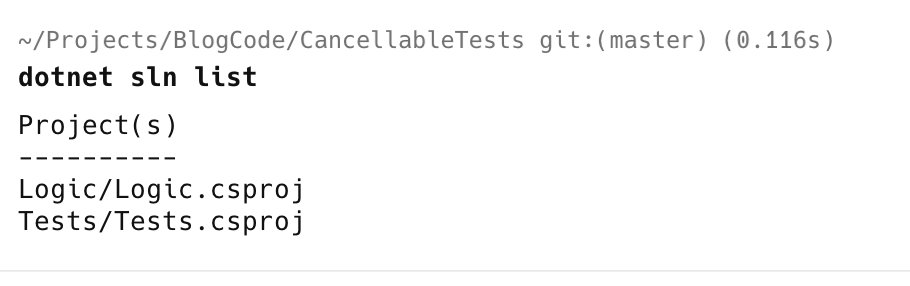
You can verify all is well by listing the projects in the solution.
dotnet sln list
This, undoubtedly, will also work for F# and VB.NET projects.
TLDR
You can add multiple projects to a solution in a single command.
Happy hacking!