Creating Multiple Directories In The Terminal
[Terminal, Bash, PowerShell]
Suppose we needed to create the following directories in our current path:
OneTwoThreeFourFive
Typically, we’d do it like this:
mkdir one
mkdir two
mkdir three
mkdir four
mkdir five
This works, but requires a lot of repetitive typing.
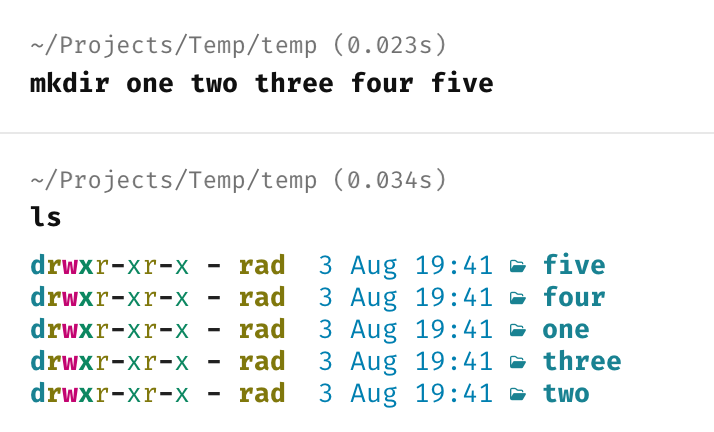
We can get the same result as follows:
mkdir one two three four five
Here we are passing the names of all the directories that we want to the mkdir command.
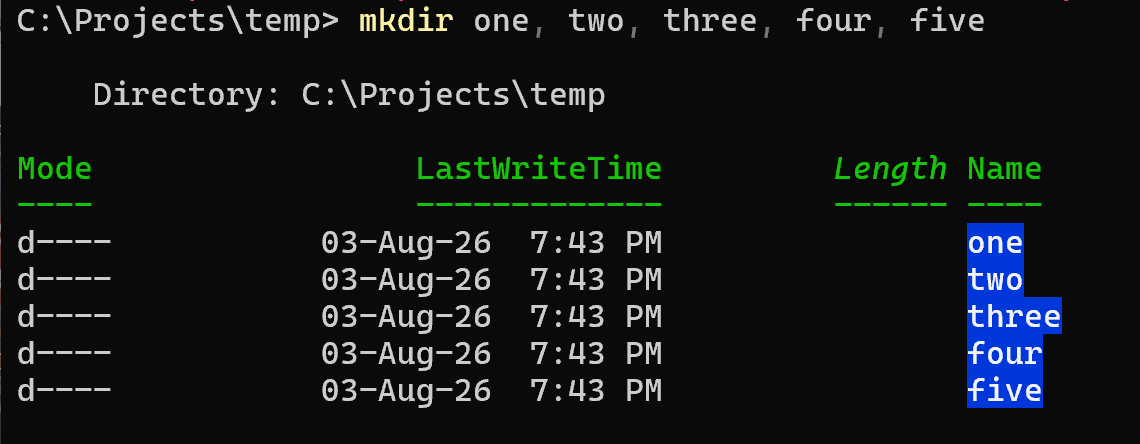
This trick, however, does not work in PowerShell.
For it to work, you must separate the entries with a comma.
mkdir one, two, three, four, five
TLDR
The mkdir command can create multiple directories in a single line.
Happy hacking!