.NET 11 Preview - Generating Password-Protected Zip Archives
[C#, .NET, .NET 11 Preview, Compression]
In some previous posts, “How To Zip A Single File In C# & .NET” and “How To Zip Multiple Files In C# & .NET”, we have looked at how to create zip files, either from a single file, a collection of files, or a directory.
However, it has not been possible to create password-protected zip files without resorting to external tools and libraries.
This has been addressed in .NET 11, using the CreateEntryFromFileAsync method.
Note: as of writing the documentation of this method is yet to be updated.
Suppose we wanted to zip the contents of the great novel War and Peace by Leo Tolstoy into a password-protected archive.
The code would look like this:
using System.IO.Compression;
using System.Reflection;
using Serilog;

// Setup logging
Log.Logger = new LoggerConfiguration()
    .WriteTo.Console()
    .CreateLogger();

// Set up the location of the target zip file
string targetZipFile =
    Path.Combine(Path.GetDirectoryName(Assembly.GetExecutingAssembly().Location)!, "WarAndPeace.zip");
// Set up the zip file password
const string ZipFilePassword = "LeoTolstoy123%#";

// Create the archive
await using (var archive = ZipFile.Open(targetZipFile, ZipArchiveMode.Create))
{
    // Add the file to the zip archive
    await archive.CreateEntryFromFileAsync("war-and-peace.txt", "War And Peace",
        CompressionLevel.SmallestSize,
        ZipFilePassword.AsMemory(), ZipEncryptionMethod.Aes256, CancellationToken.None);

    Log.Information("Compressed file to {ZipFile}", new FileInfo(targetZipFile).Name);
}
The magic is taking place in the CreateEntryFromFileAsync method, where:
- We provide the path to the file we want to compress
- We provide the name we want the entry to have, in this case,
War And Peace - We provide the password as
ReadOnlyMemory<char> - We provide the compression level
- We provide the encryption method
The encryption method is from an enum, ZipEncryptionMethod, that contains one of these:
| Name |
|---|
| None |
| ZipCrypto |
| Aes128 |
| Aes192 |
| Aes256 |
| Unknown |
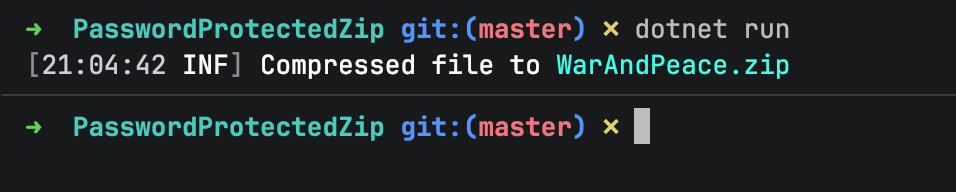
If we run this code, we should see the following:
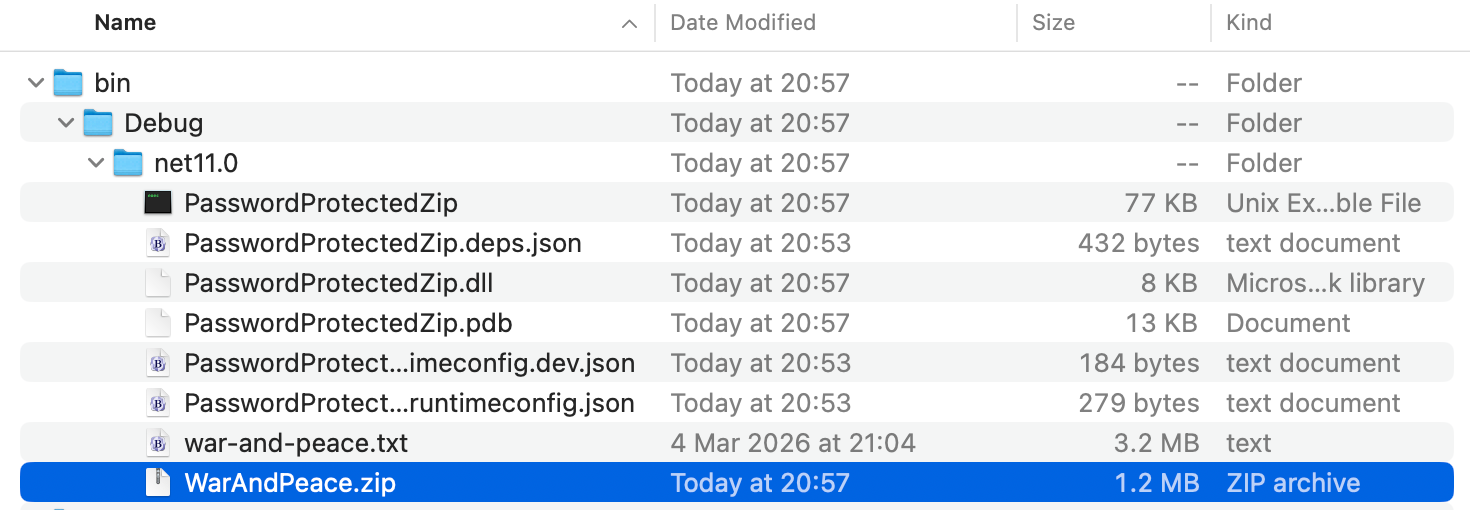
And in the file system:
If we try to open the file:
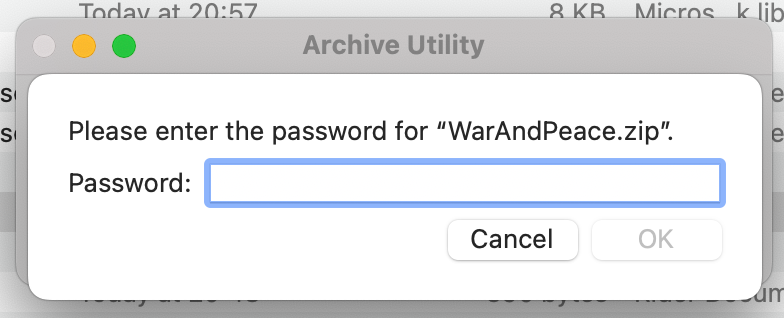
We get a prompt asking for the password.
I find curious that the Password is a ReadOnlyMemory<char> and not a plain string. Any idea why?
TLDR
.NET 11 can now create password-protected zip files via the CreateEntryFromFileAsync method.
The code is in my GitHub.
Happy hacking!