.NET 11 Preview - Starting Suspended Processes in macOS
[C#, .NET, .NET 11 Preview]
In a previous post, “.NET 11 Preview - Starting A Detached Process”, we looked at how to start a detached process.
A detached process is one that will continue running even after the process that starts it exits.
In this post we will look at something similar - how to start a Suspended process. A suspended process is one that is started, but not executing, hence the name. It is in a suspended state.
Take the following example:
var startInfo = new ProcessStartInfo("notepad.exe")
{
	StartSuspended = true
};

using (var process = Process.Start(startInfo))
{
  var handle = process.SafeHandle;

  // Do your custom init here

  await Task.Delay(TimeSpan.FromSeconds(10));
  handle.Resume();
}
Here, we are starting notepad in a suspended state.
We are then doing some custom initialization prior to resuming the process.
Custom initialization in this case is something like spinning up and attaching a debugger.
You will see after a 10 second pause, the notepad window appears.
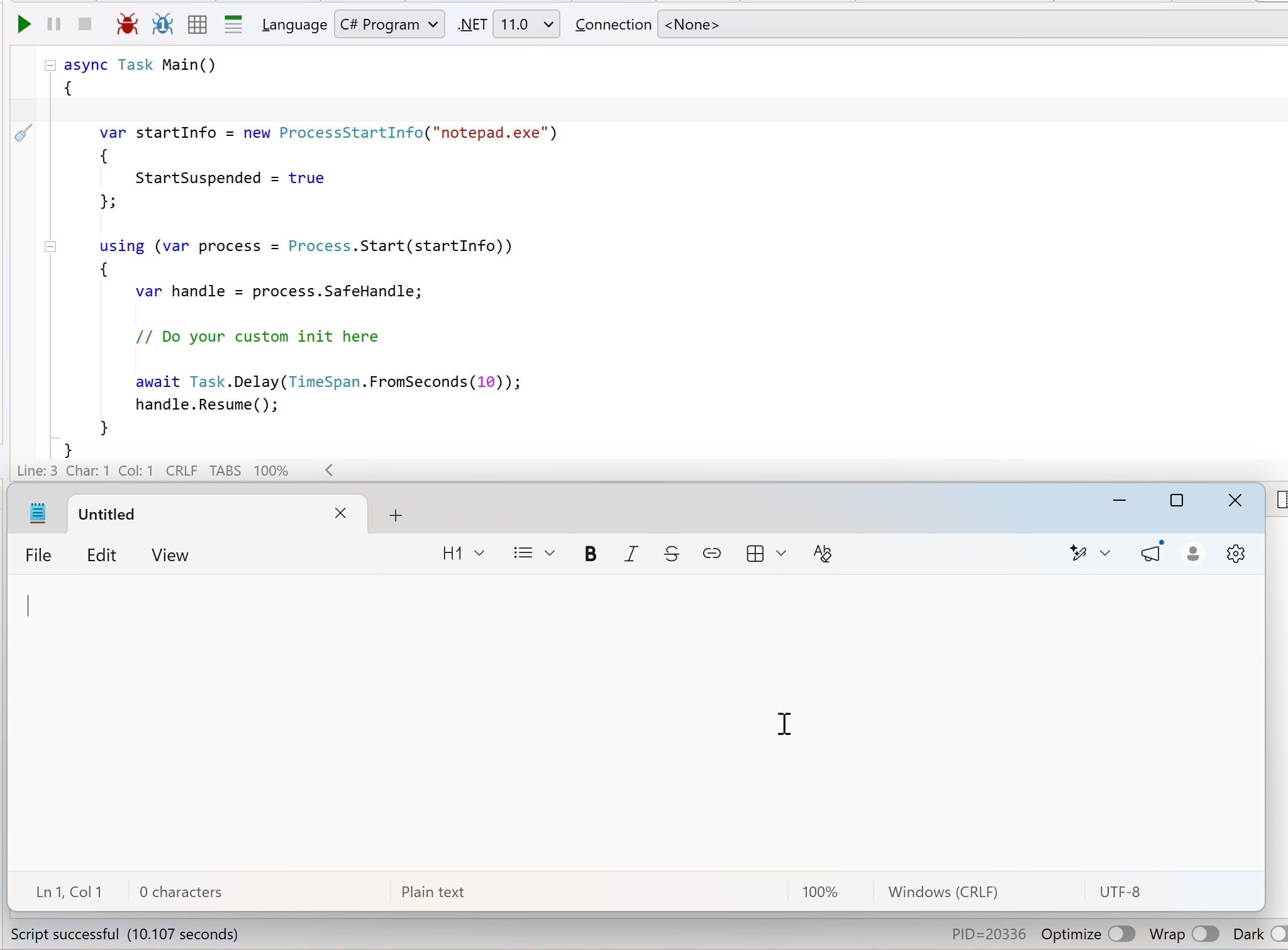
From preview 7, this now also works in macOS.
TLDR
You can now start processes in suspended state.
Happy hacking!