Pushing NuGet Packages To An Online Repository with dotnet nuget
[C#, .NET, Nuget]
If you are working on the .NET platform, you will undoubtedly have used NuGet, the package manager to add, remove, and otherwise manage third-party libraries in your applications.
Typically, you’d be using the online repository, nuget.org
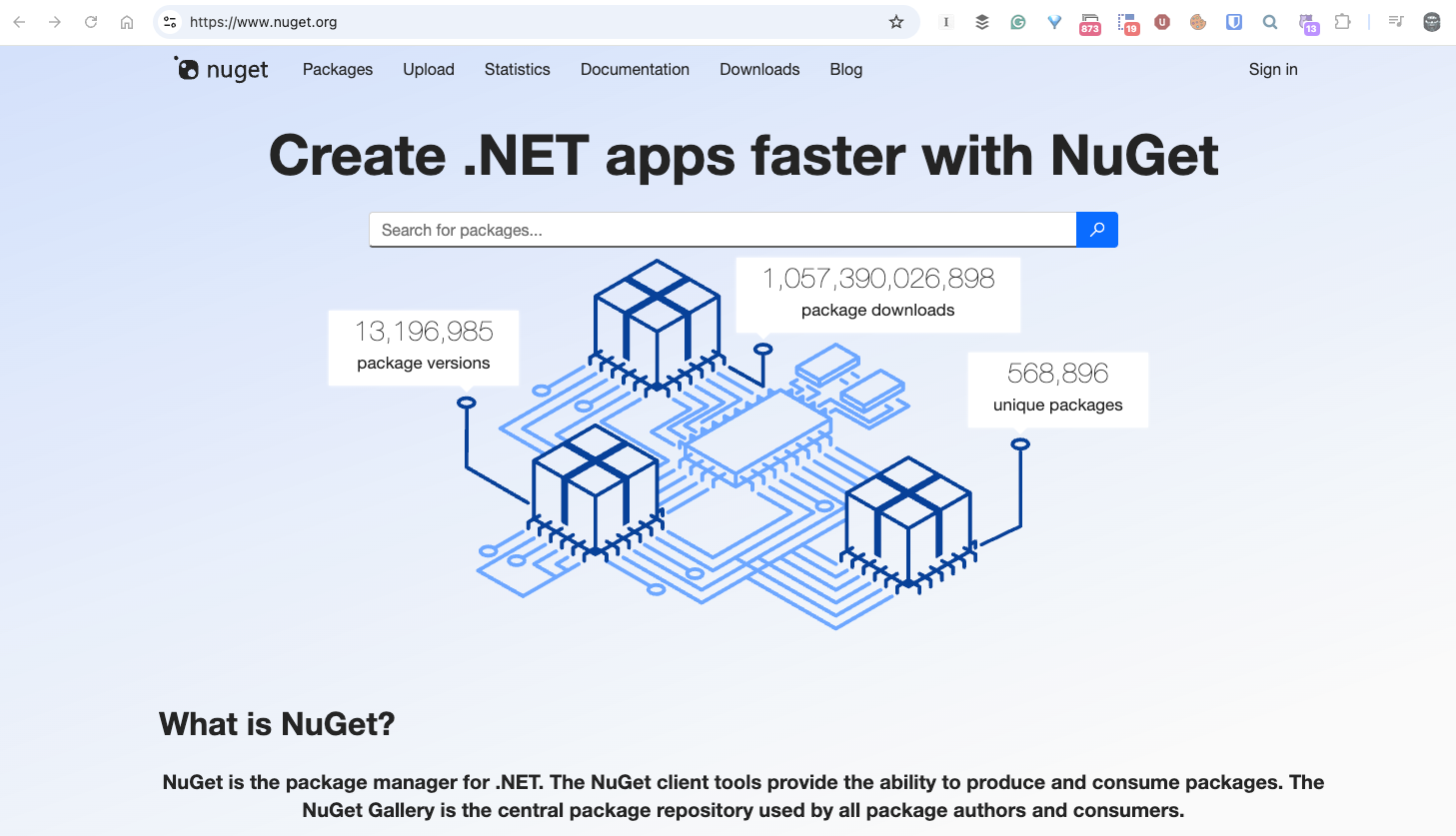
You typically would interact with this with your IDE or the command line, like so:
dotnet add package Dapper
You can also use a third-party repository, which you would typically use in a team setting.
There are several options, such as Azure, TeamCity, GitLab, GitHub, and ProGet.
I have used ProGet for some time myself.
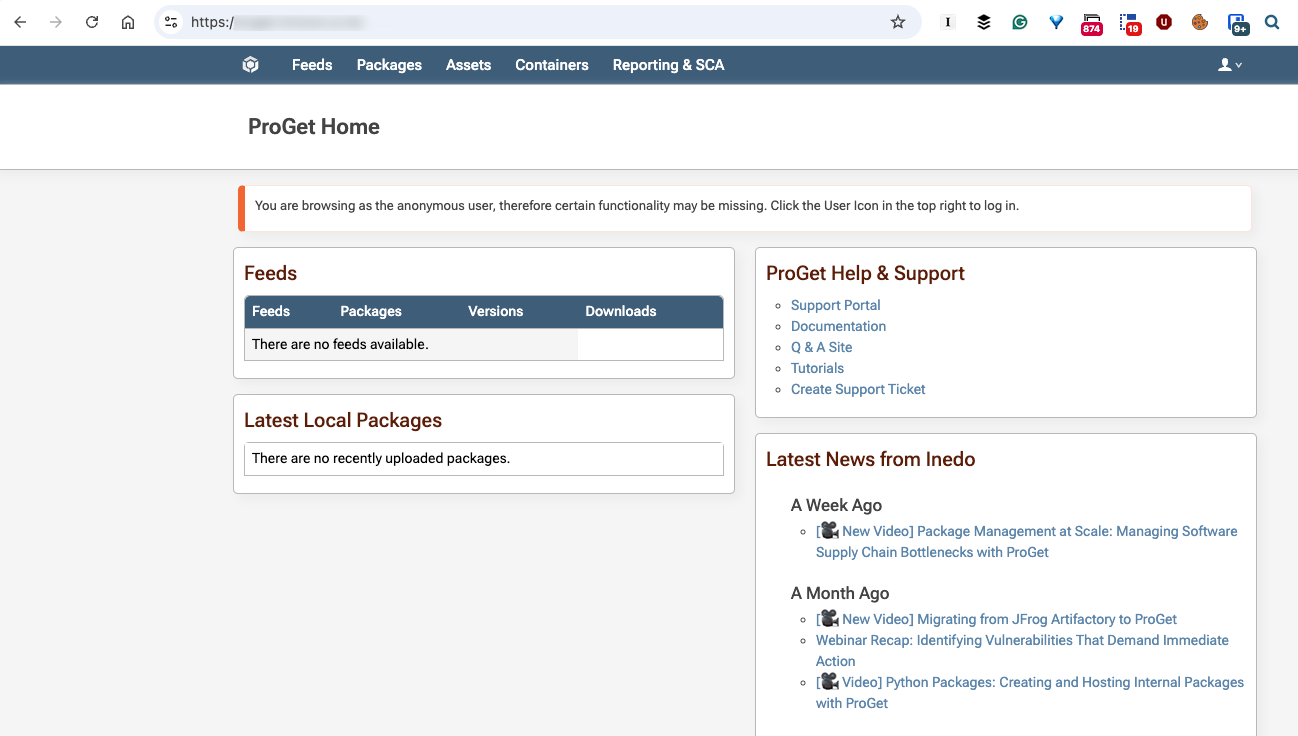
It doesn’t show any feeds or other information because you need to log in to access the repository.
You can also add packages to ProGet, or any other repository, using the dotnet nuget tool.
Take the following example:
dotnet nuget push *.* -k YOUR_KEY_HERE -s https://YOUR_REPOSITORY PATH HERE/
Here we are doing the following:
dotnet nuget pushinvokes the tool*.*indicates we want to push all the files in the current directory-kindicates the API key to use to authenticate against the repository-sindicates the source, or where the repository is
If everything is in order, you should see something like this:

TLDR
The dotnet nuget tool allows you to push packages to any package repository
Happy hacking!