Showing Hidden Files & Directories in PowerShell
[PowerShell]
Generally, when you list files in PowerShell, you get, by default, only the non-hidden files.
The same applies to directories.
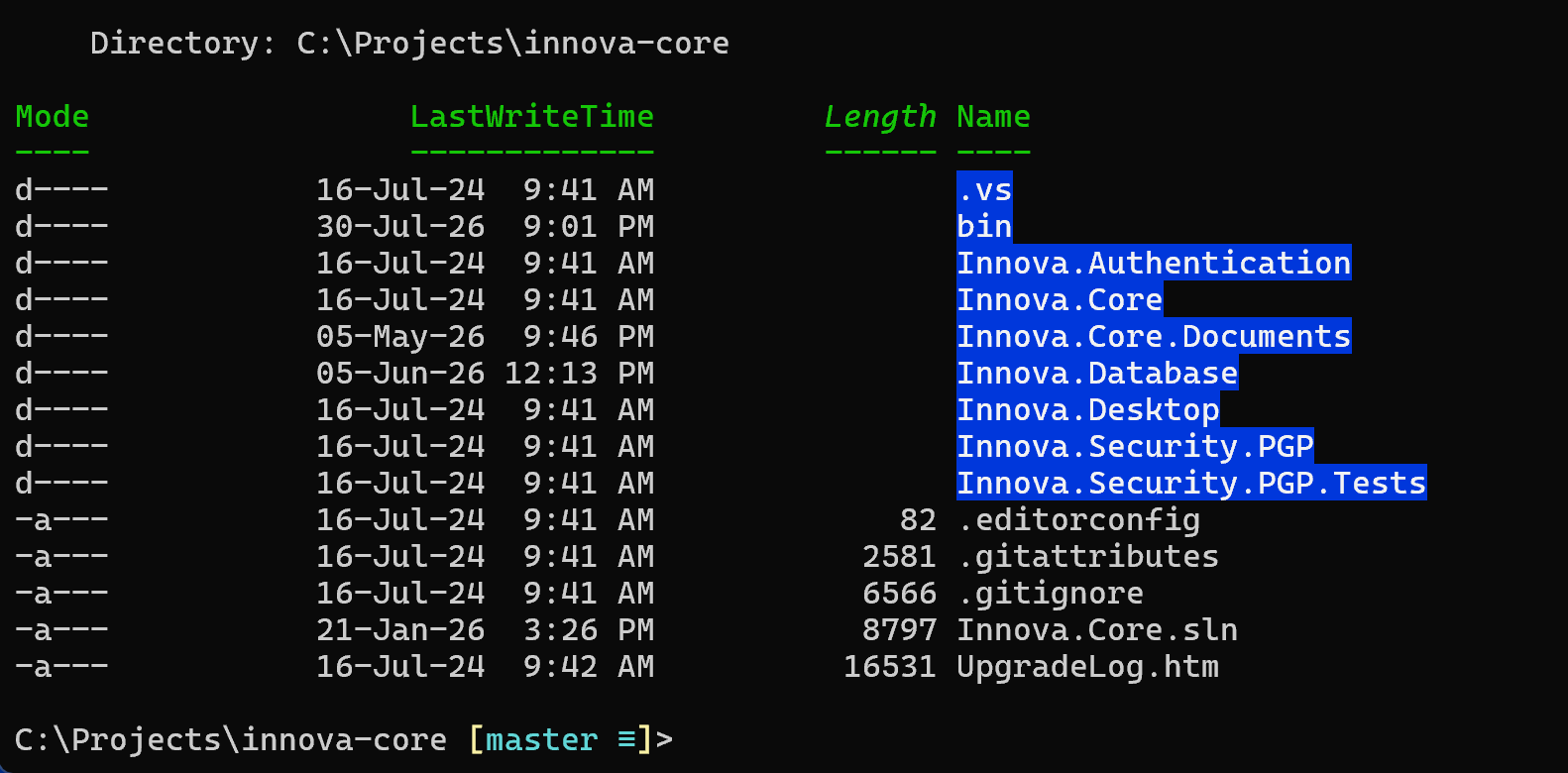
For example, if you run ls in a directory, you will get something like this:
If you want to see the hidden folders, pass the -h argument
ls -h
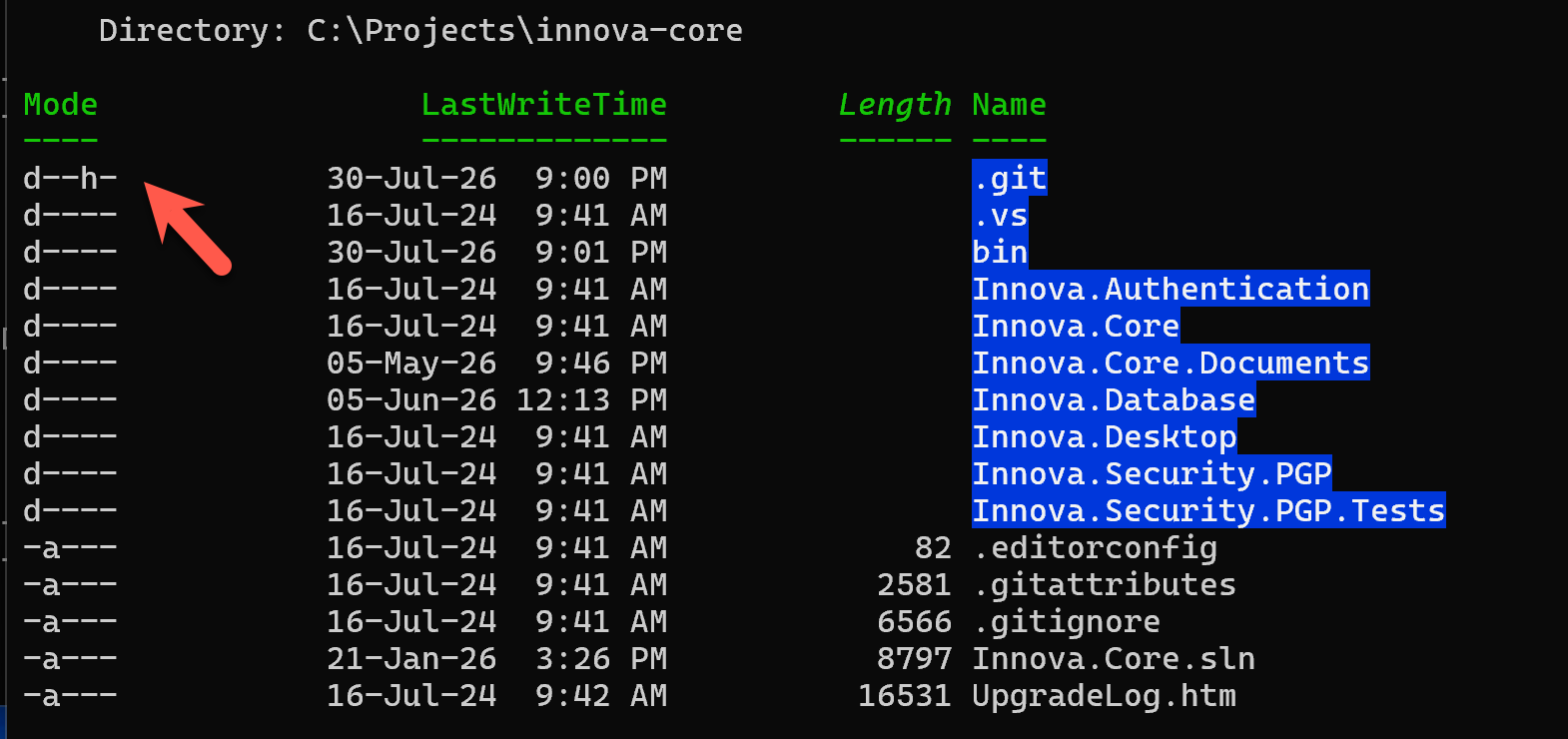
We can see here from the Mode column that the .git folder is actually a hidden folder.
Happy hacking!