Using Aliases To Improve Command Line Experience
[Terminal, Command Line, Tooling, Linux, Unix, macOS]
As a serious software developer and/or IT professional, you will invariably find yourself at some point doing work in the terminal.
A lot of the tooling available on the command line is pretty robust. But there is always room for improvement.
Take, for example, the humble list files command:
ls
By default, your output will look like this:

There is a tool on macOS (and Linux), eza, that improves this:

Exa supports most of the switches that ls does.
So we can do this:
eza -l
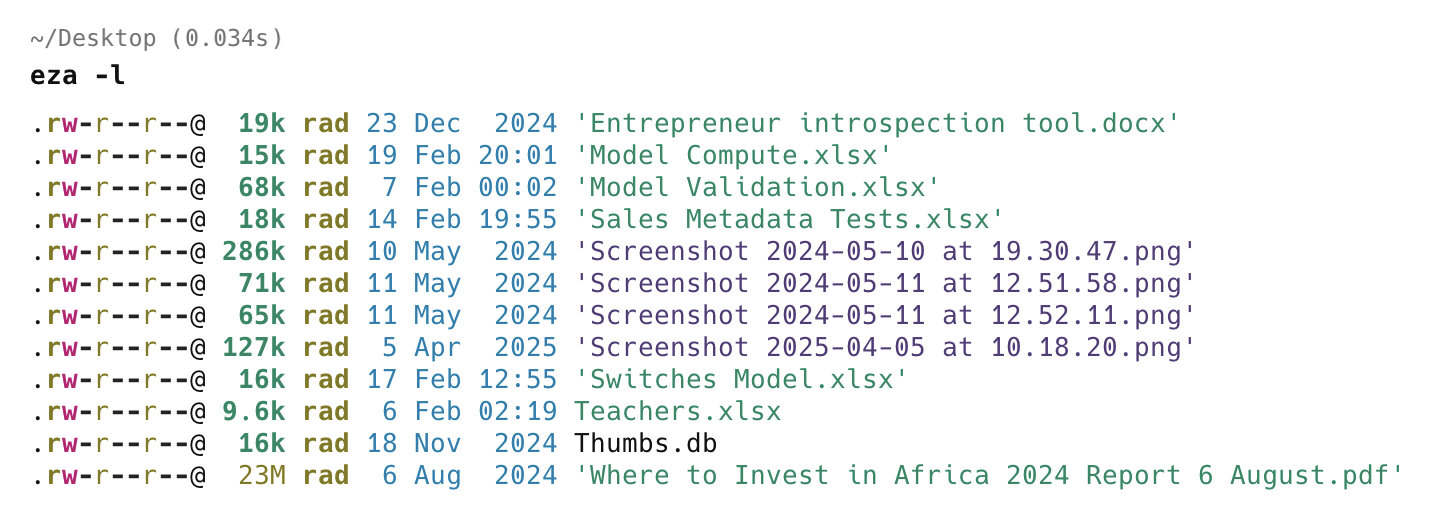
My muscle memory is pretty much baked in, so I keep forgetting to use eza instead of ls.
This is where aliases come in.
I can define an alias and register it with my profile.
If you are using z-shell, run the following command:
nvim ~/.zshrc
If you are using bash, this is the command:
nvim ~/.bashrc
This will open your profile.
Here, I am using Neovim (nvim). Replace with your favourite editor.
My profile looks like this:
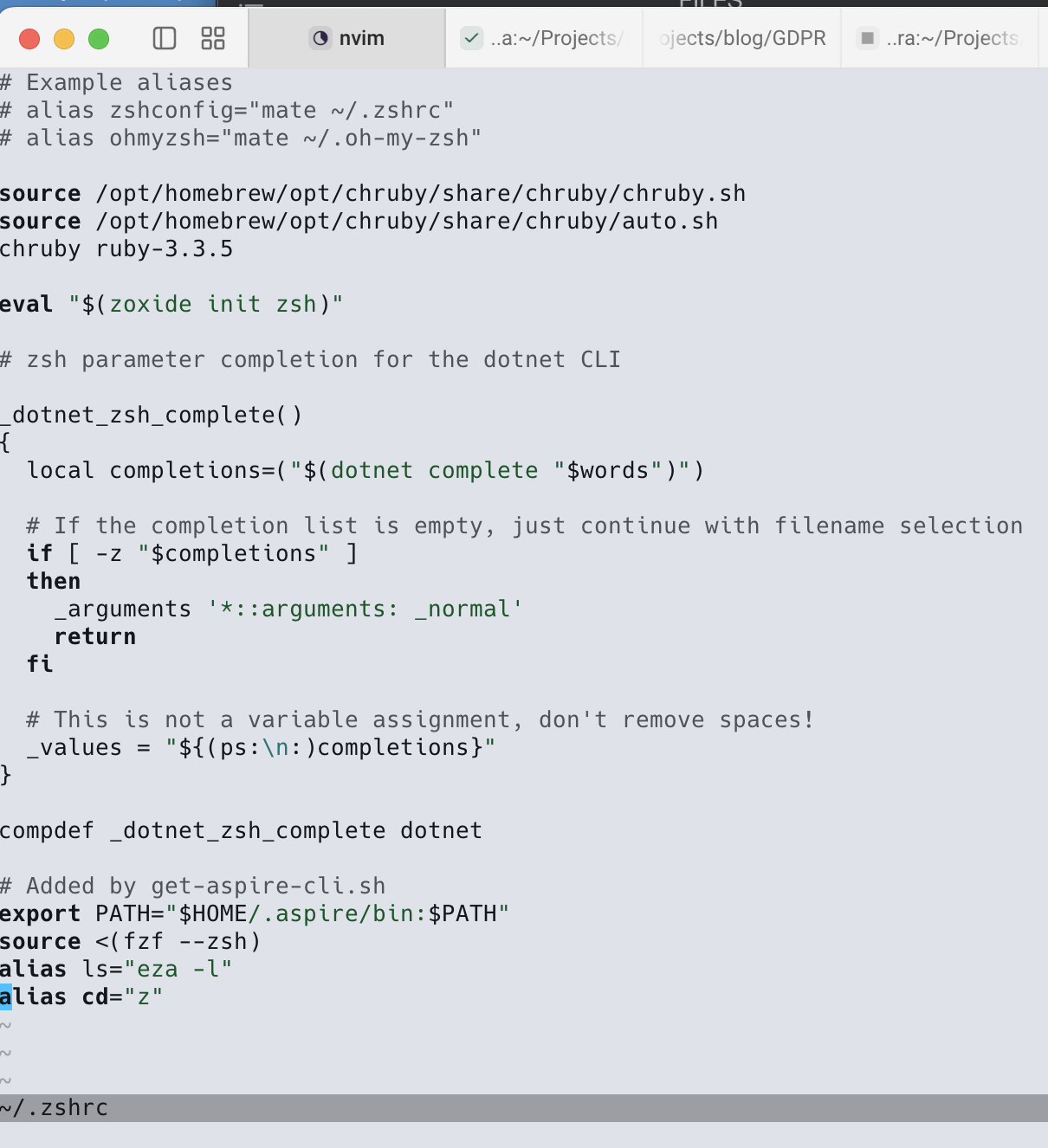
Go to the end, and add the following line:
alias ls="eza -l"
Note here that not only do I want to replace ls with eza, I want the files to be listed with details.
Finally, we reload the profile.
source ~/.zshrc
Now, if I run ls, this is the result:
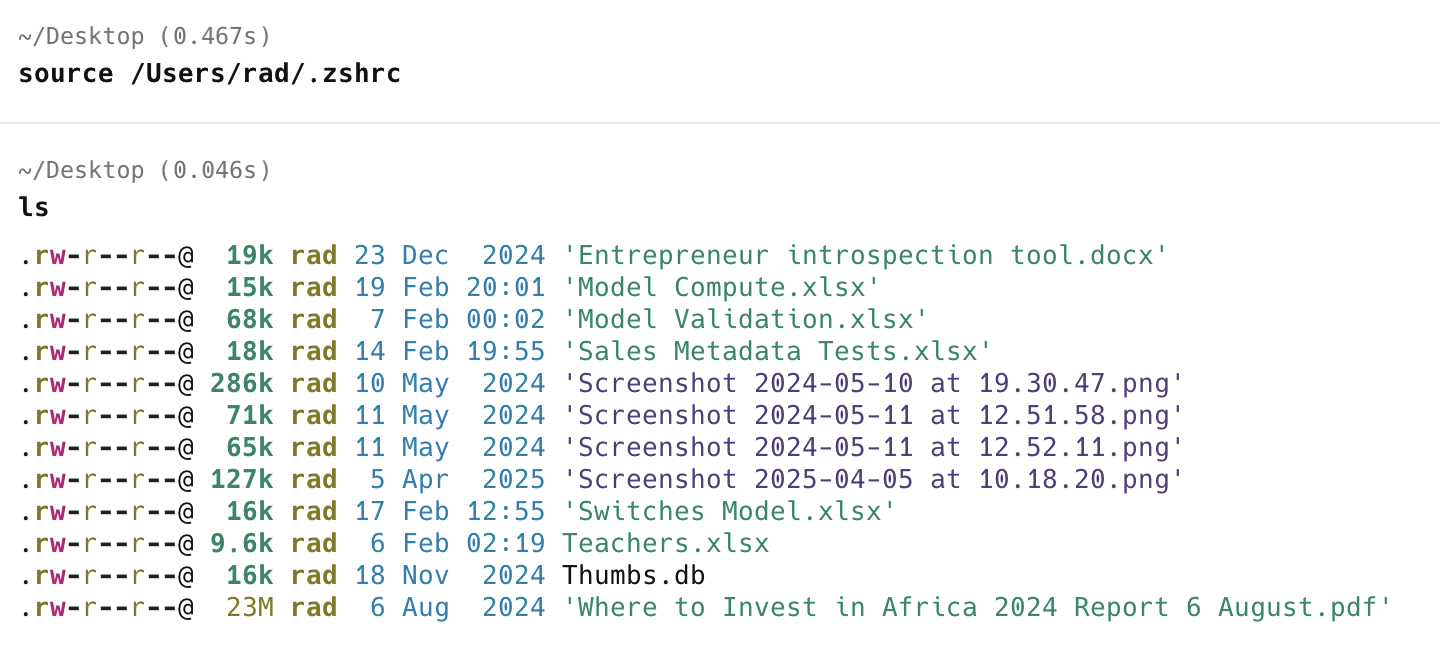
Much more convenient!
TLDR
You can use aliases to simplify your command line workflow.
Happy hacking!