You Cannot Search For Bullet Numbers In Chrome & Edge
[Chrome, Edge, HTML, Firefox]
The archives for this blog look like this:
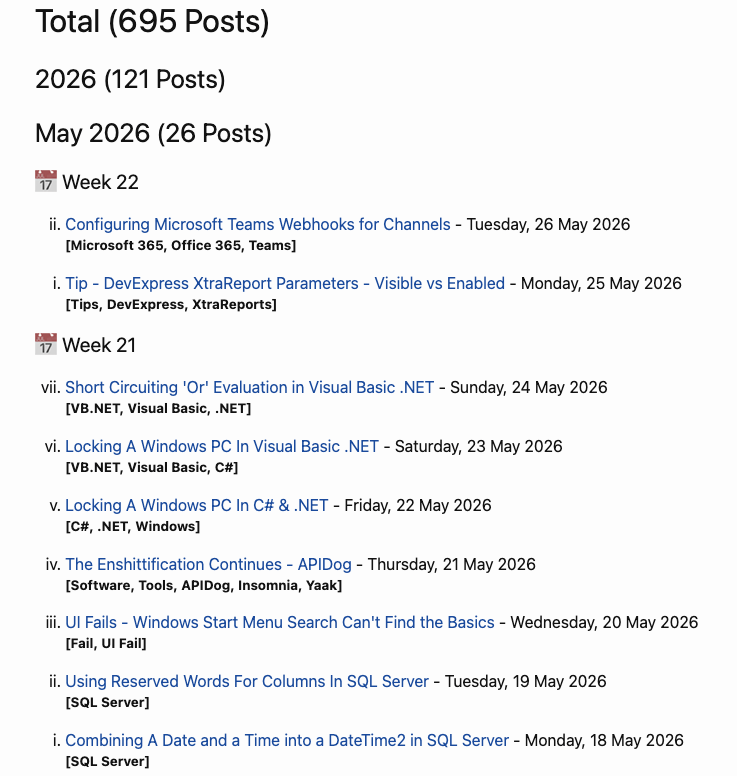
You can see that every week the blog entries are numbered from 1 to 7, in Roman numerals.
This is actually an ordered list , as you can tell from the source.
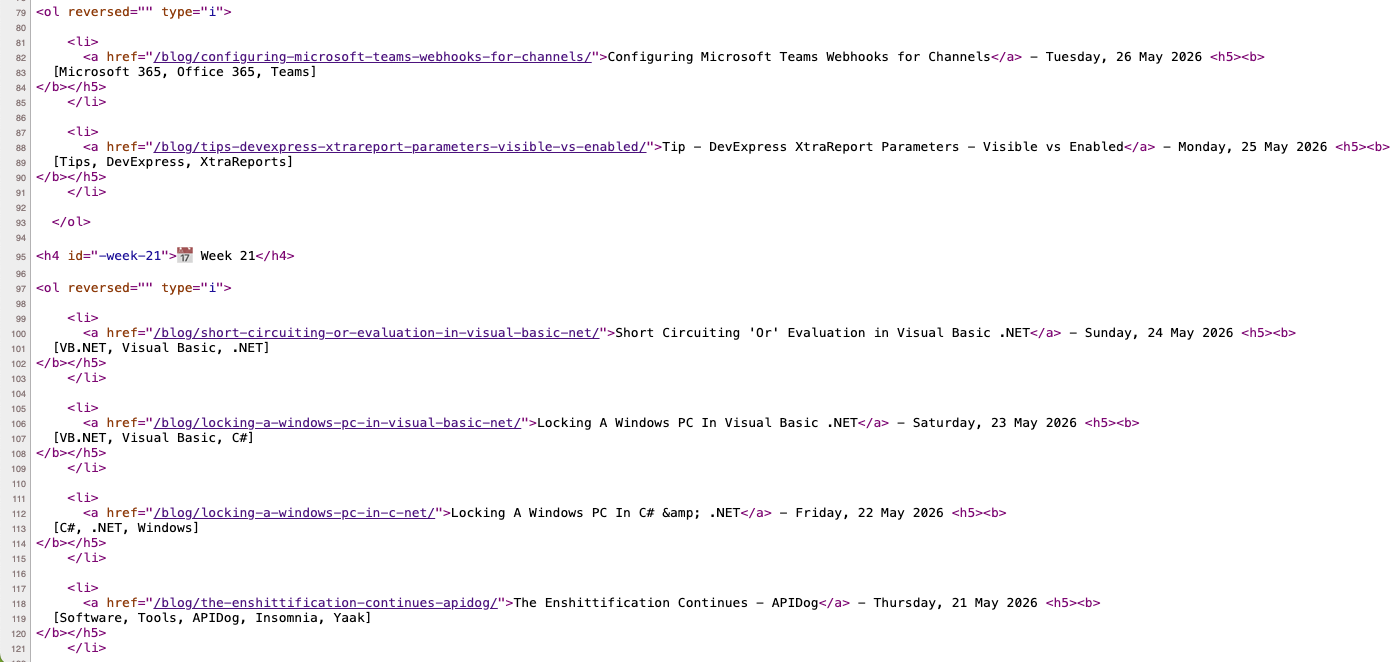
The blog itself is generated with Jekyll, and the source code and posts of this blog, as a reminder, are available here.
I wanted to check whether I had ever accidentally posted more than 7 times in a week.
A quick way to do so is to search for the text viii.
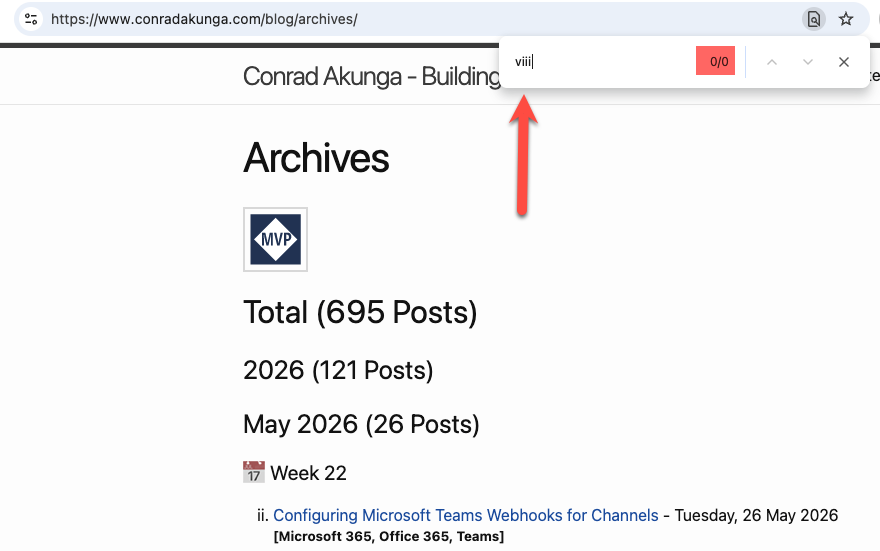
This found nothing, to my satisfaction.
But, on a whim, I searched for what I know exists - vii.
This still found nothing!
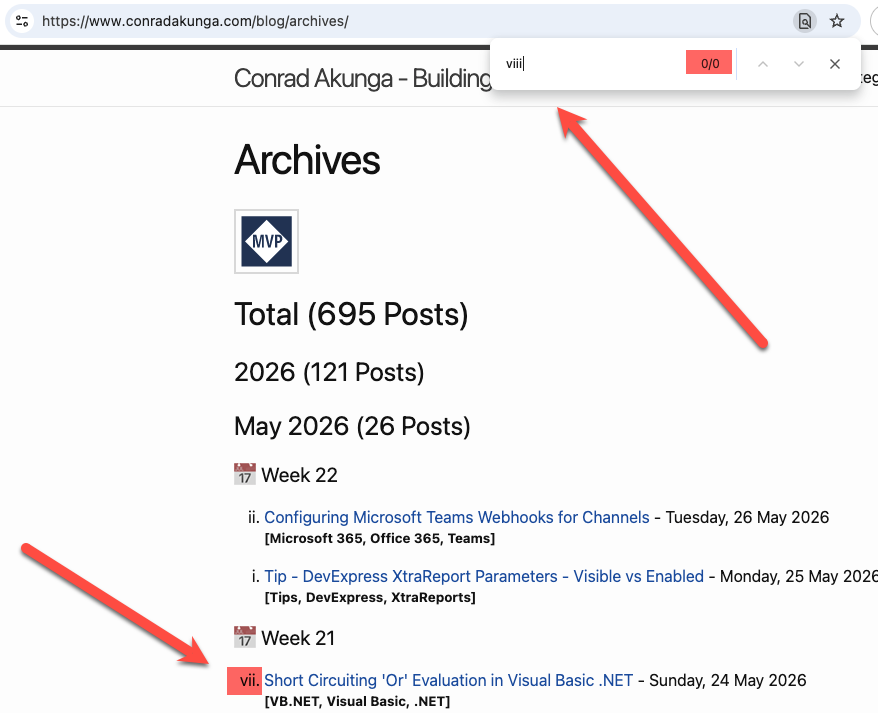
Which, technically, is accurate - that viii text does not actually exist on the page and it is the browser responsible for computing and presenting it.
The same happens for Safari, Microsoft Edge, and Vivaldi.
As far as I can tell, all Chromium-based browsers probably have this issue.
Firefox, however, does not!
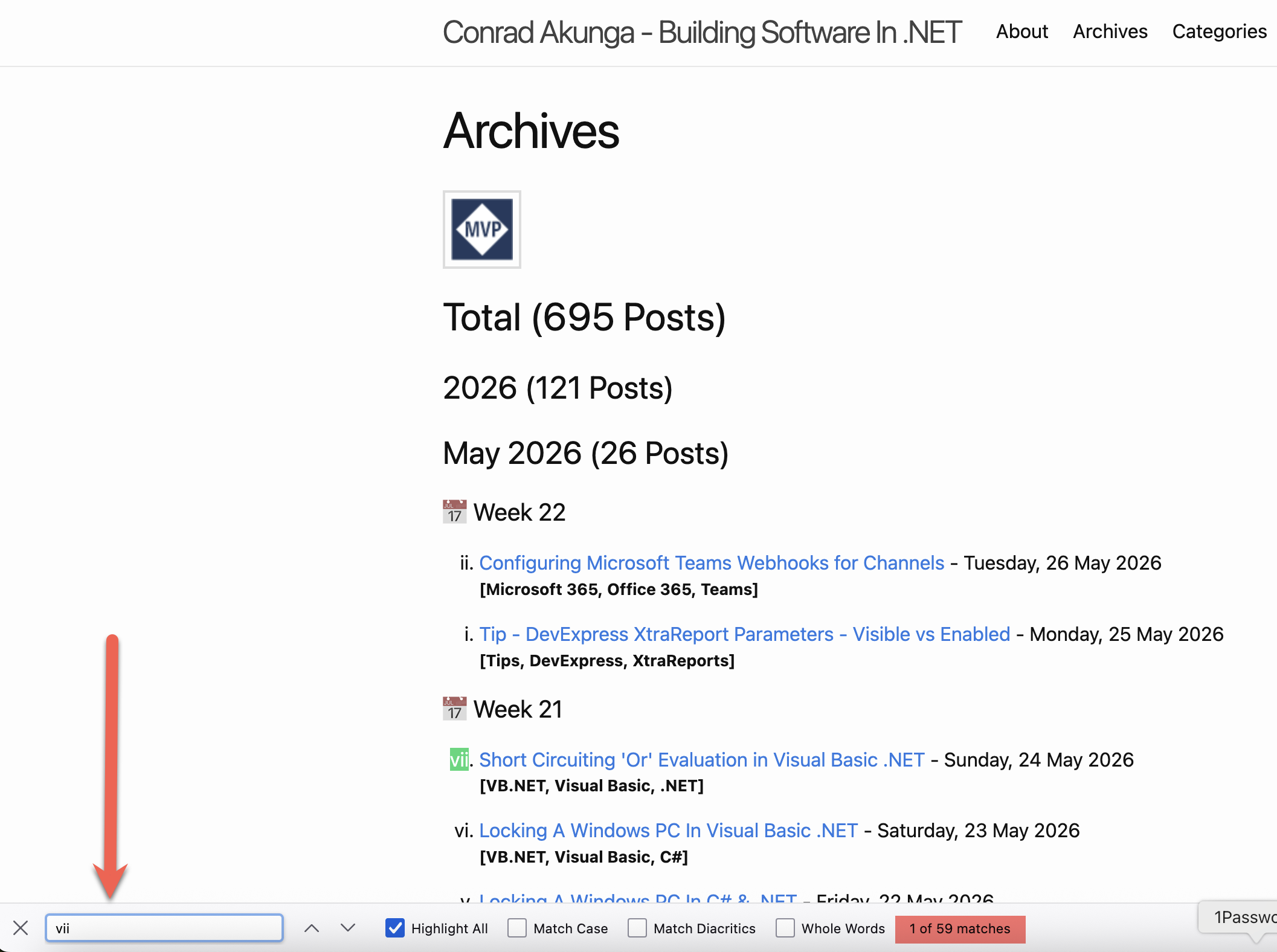
TLDR
You cannot search for bullet numbers on Chrome, Edge, Safari and most Chromium- based browsers. However, you can on Firefox.
Happy hacking!