Temporarily Overriding An Alias In macOS, Linux & Unix
[Terminal, Command Line, Tooling, Linux, Unix, macOS]
In a previous post, “Using Aliases To Improve Command Line Experience”, we looked at how to use aliases to improve our command line workflow and experience.
This generally works pretty well.
But there are times when you want to temporarily override your alias.
In our post, we aliased ls to eza, such that a default file listing yields this:
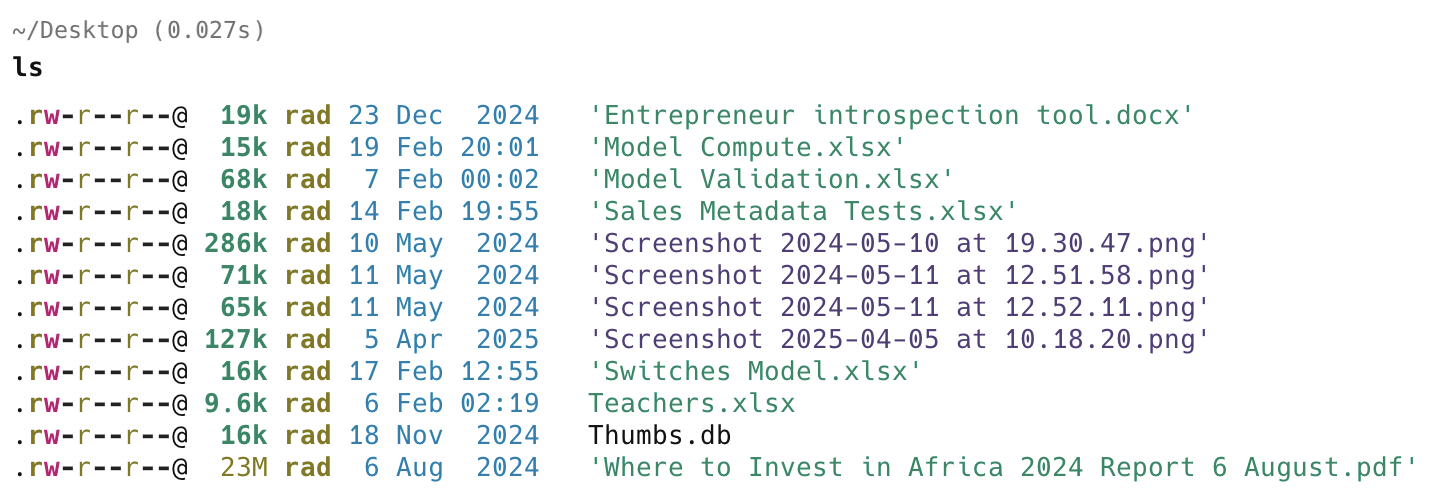
This is because my alias is set up as follows:
ls='eza -l --icons'
Suppose you wanted to temporarily override this.
You can achieve this by prefixing our alias with command.
command ls

Of course, this only works if the alias has a pre-existing definition.
TLDR
You can temporarily override an alias to an existing command definition by prefixing it with command.
Happy hacking!